
Product details
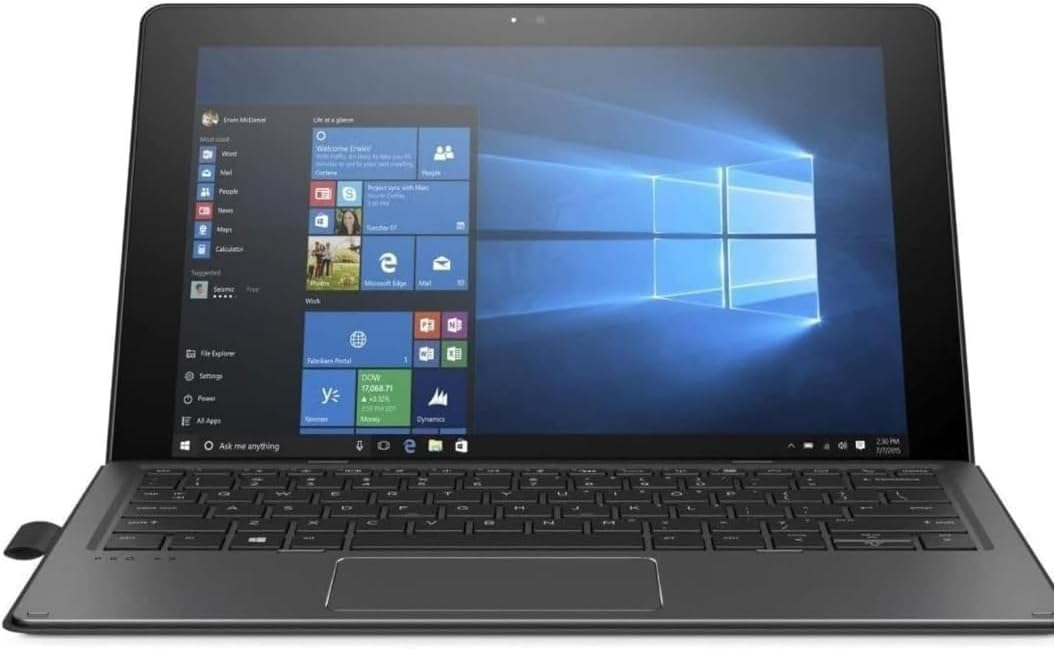
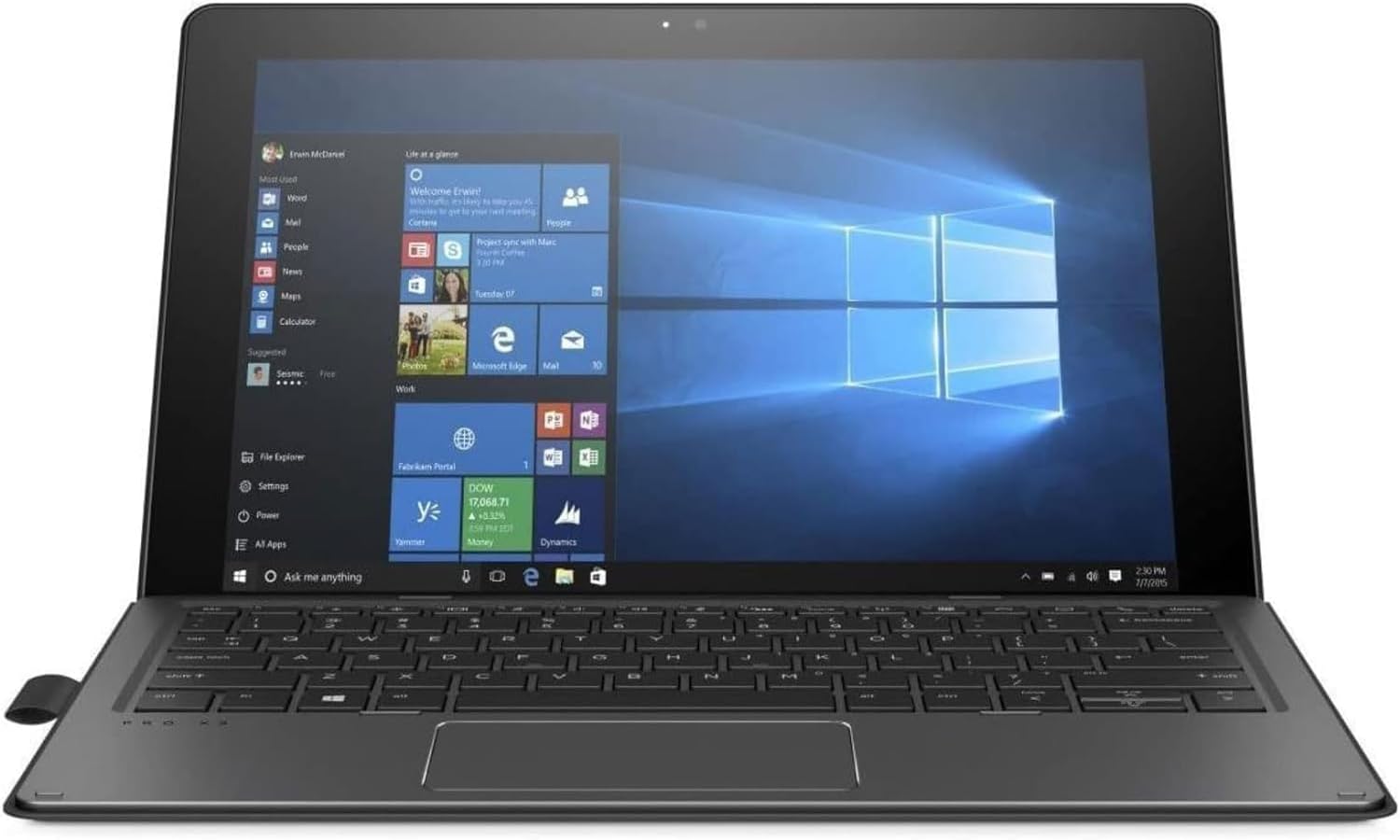
The HP Pro x2 612 G2 is a versatile, high-performance detachable designed for professionals who need the mobility of a tablet without sacrificing the productivity of a full laptop. Powered by a 7th Gen Intel Core i5 processor, this 2-in-1 is built to thrive in challenging environments—from the office to the field. With its unique 165-degree kickstand and included HP Active Pen, it transitions seamlessly from a traditional laptop to a digital canvas for sketching, note-taking, and annotating.
Key Benefits of the HP Pro x2 612 G2
-
True Detachable Versatility: The magnetic collaboration keyboard can be removed in a second, turning your laptop into a lightweight, powerful tablet.
-
Professional Inking: The included HP Active Pen (Wacom AES technology) provides a natural writing experience, perfect for digital signatures and creative design.
-
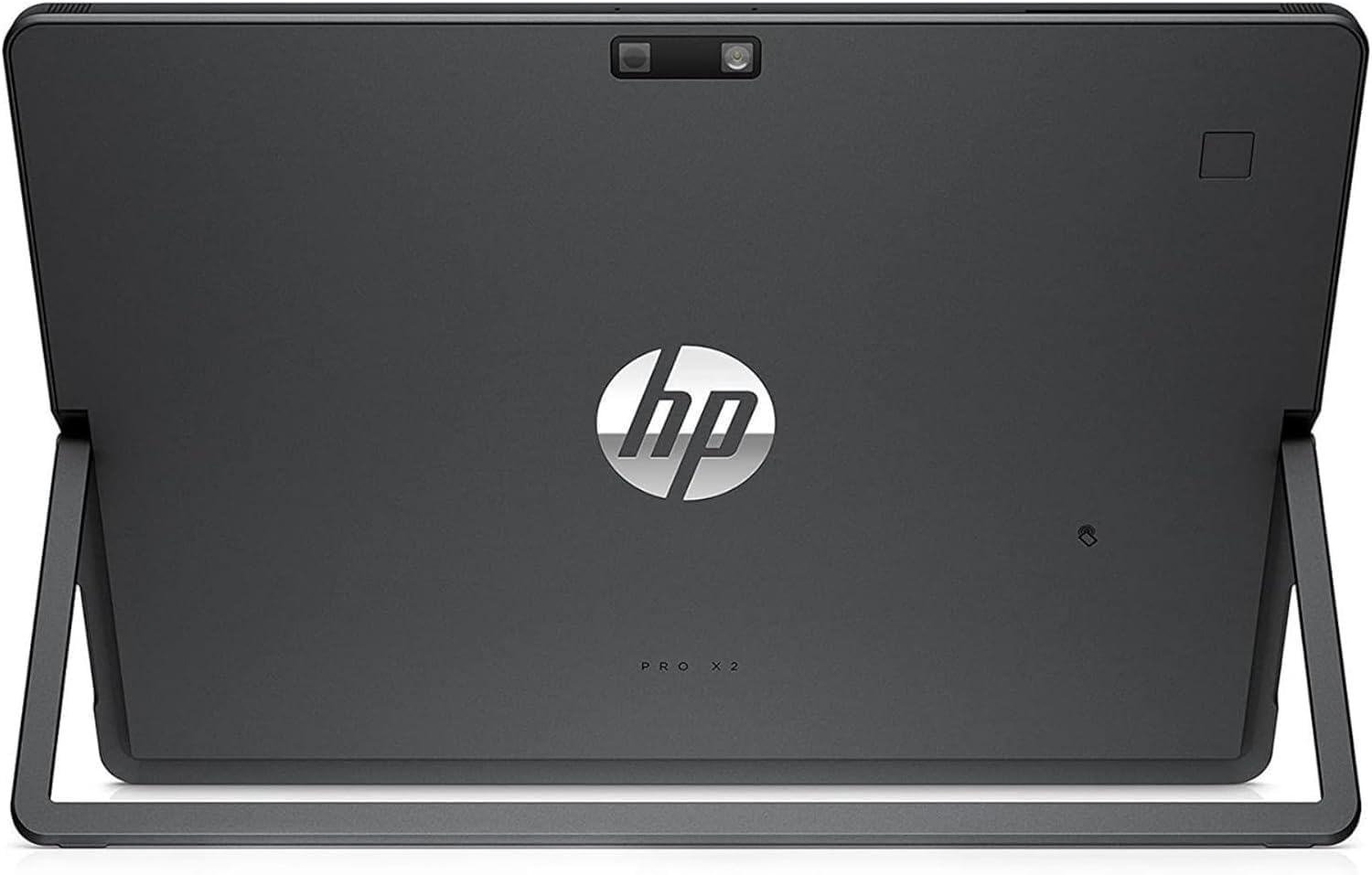
Rugged & Refined Build: Designed to pass MIL-STD 810G testing, featuring a CNC-machined aluminum body and a display protected by Gorilla Glass 4.
-
Fanless Efficiency: The “Y-series” Core i5 processor allows for a fanless design, meaning the device stays completely silent even under heavy workloads.
Designed for Productivity on the Go
The HP Pro x2 612 G2 understands the needs of the mobile worker. Its 12-inch FHD+ display features a 3:2 aspect ratio, providing more vertical screen real estate for reading documents and spreadsheets. The detachable keyboard isn’t just an afterthought—it’s a “Collaboration Keyboard” with dedicated keys for managing Skype calls and presentations.
Security at the Core
For a portable device, security is paramount. This unit includes an integrated Smart Card Reader and TPM 2.0, ensuring your enterprise data remains protected. HP’s self-healing BIOS, HP Sure Start Gen3, automatically monitors and restores the BIOS if it’s attacked or corrupted, providing an extra layer of hardware-enforced protection.
Creative Freedom with the 165° Kickstand
The built-in kickstand is incredibly robust, allowing you to tilt the screen back to a nearly flat 165-degree angle. This “Studio Mode” is ideal for using the stylus pen to draw or take handwritten notes in OneNote, mimicking the feel of a drafting table.

There are no reviews yet.